| 1. Open the Play Store on your mobile device. |  |
| 2. Search for DTN AP. | 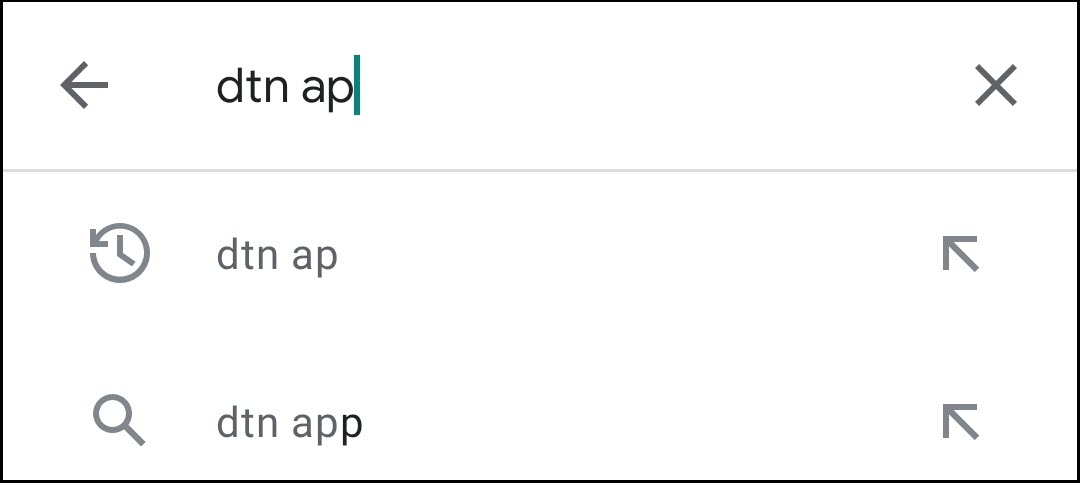 |
| 3. Click DTN AP in the search results. | 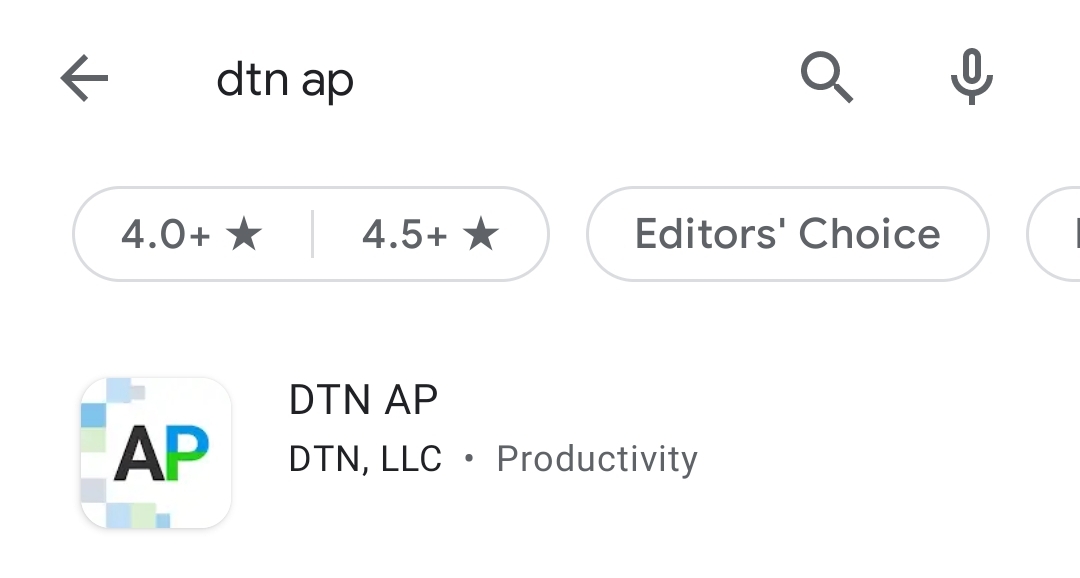 |
| 4. Click Install. | 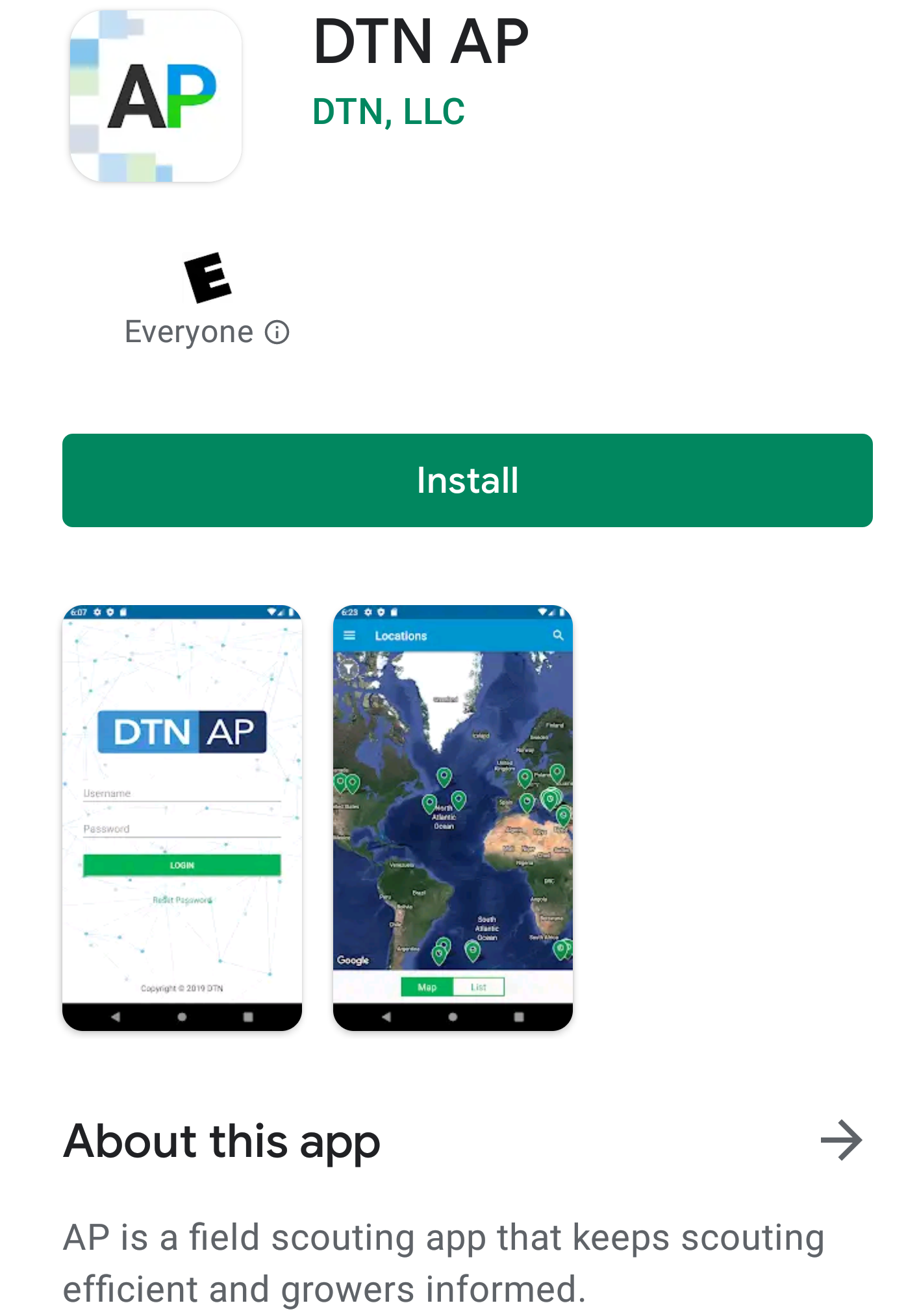 |
| 5. Once installed, click Open. | 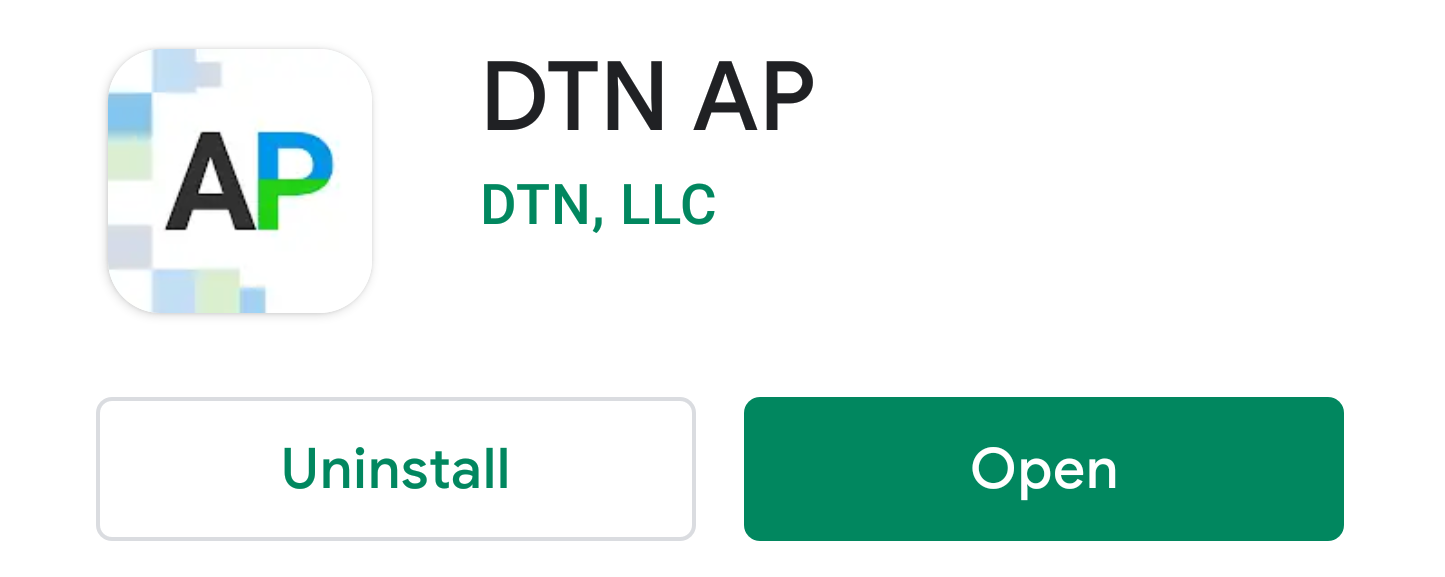 |
| 6. Log into your DTN AP account. | 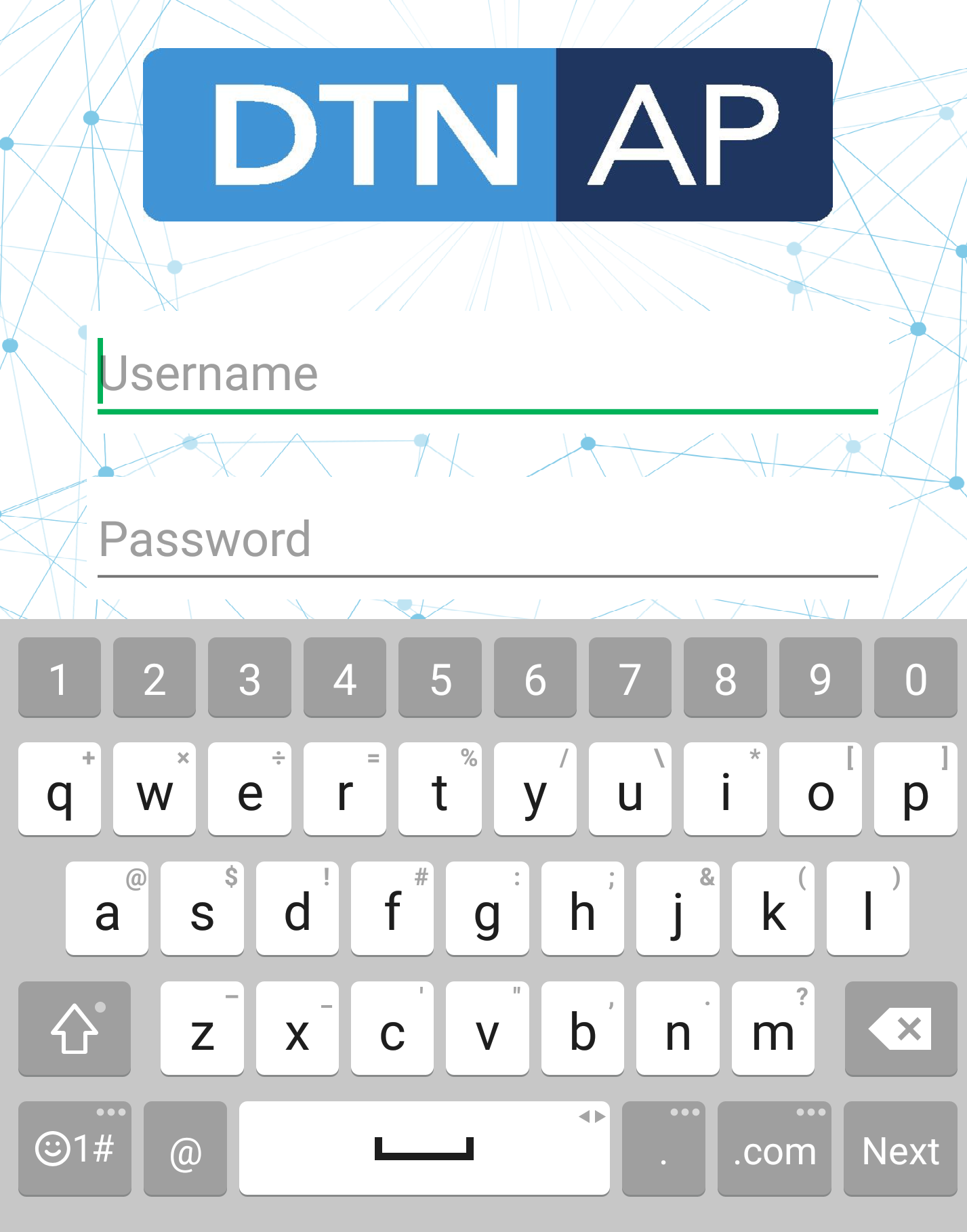 |
| 7. Click Allow to enable location services in the app. | 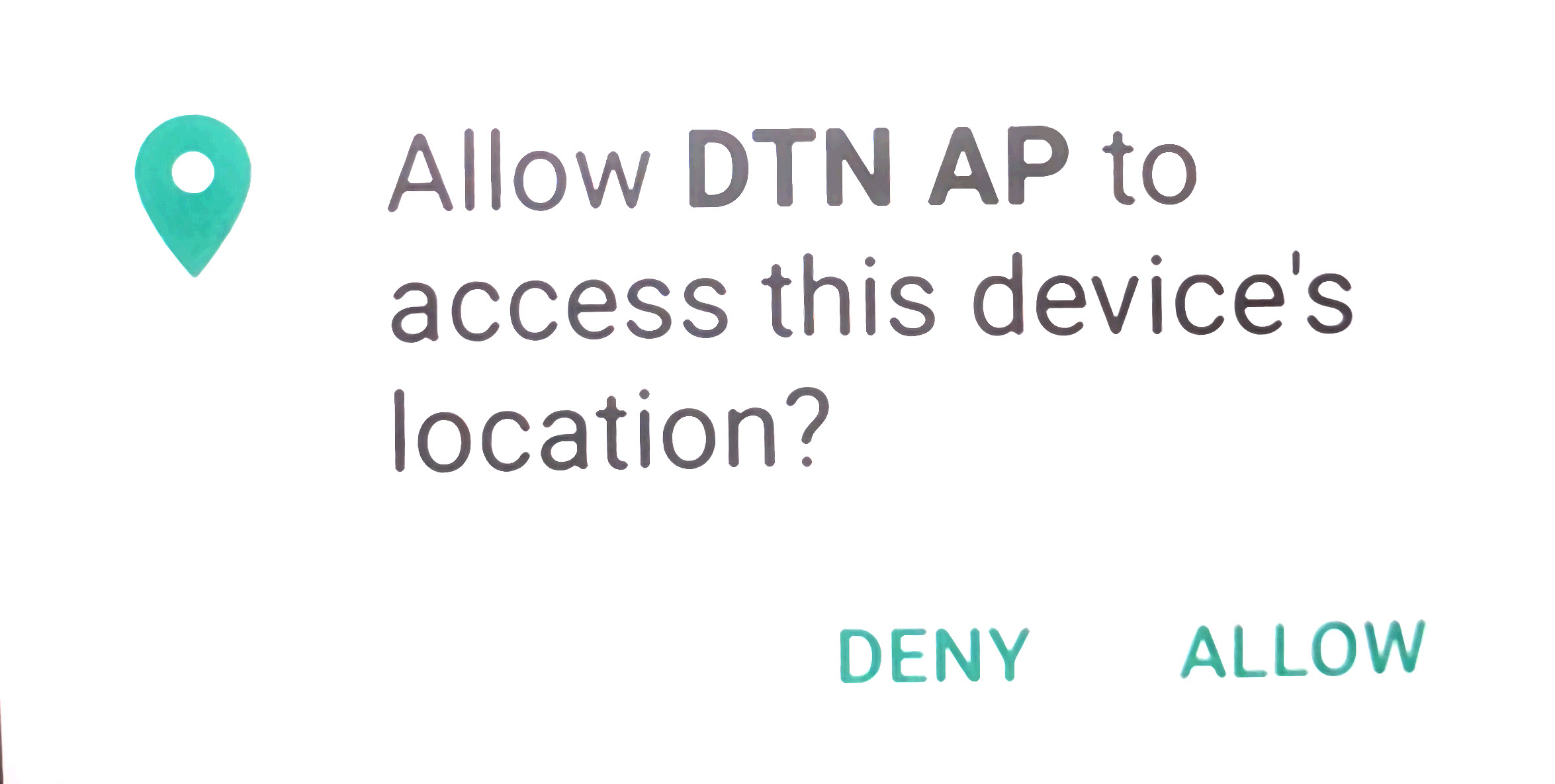 |