| 1.In the Grower List, click on a Field you want to move traps on. | 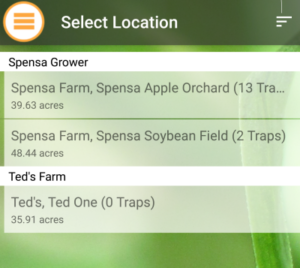 |
| 2. On the bottom tab selector, click on the Traps icon to show the list of your traps on the currently selected Field. | 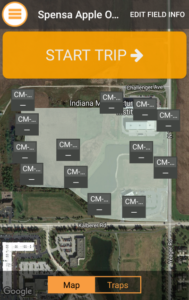 |
| 3. Click on the List view option.
4. Click on the Trap you want to move. |
 |
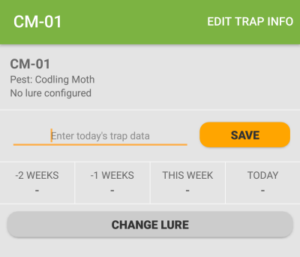
| 5. Click the Edit button in the upper-right.
|
 |
| 6. Click on the Trap Location icon to edit the Trap’s current location. | 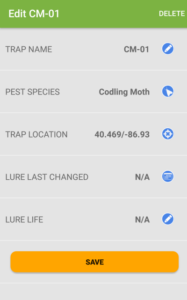 |
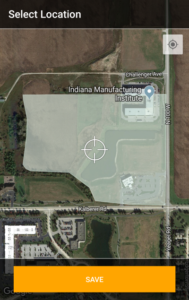
| 7a. You can either drag the Trap to the new location by pressing your finger on the map and moving the crosshair to the new location.
7b. You can click the GPS locator icon (lower-left) to auto-locate the trap based on your current GPS coordinates. 8. Click Done when you have selected the new Trap location. 9. Click the Save button when you are ready to save the new Trap location. |
 |