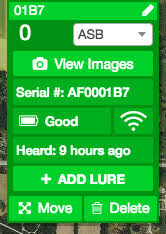
| 1. Find the Smart Trap you want to view the images of in the Field view.
2. Click on the trap to see the View Images button 3. Click on the View Images button |
 |
| 4. The left-hand sidebar will update and display the images associated with the currently selected trap. | 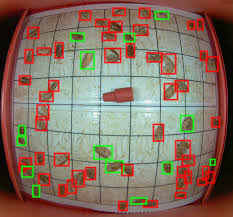 |