| Select the field you want to create the sampling order on. | |
| Click on Sampling from the menu | 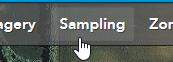 |
| Click + Set up points | 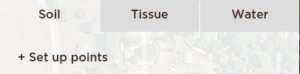 |
| You have several options for creating a new Sample Point set. In our case, we will create new points, on a grid, with a six to 12 inch sample depth. | 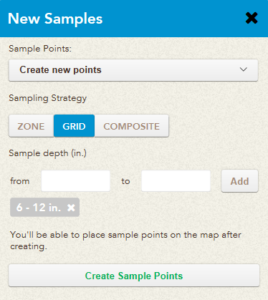 |
| In the sidebar, click the Change Sample Locations option and then Create New Grid | 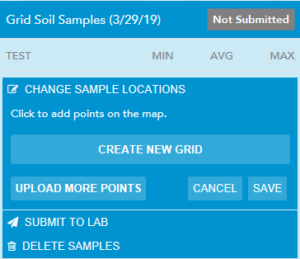 |
| Enter in the desired spacing for your grid and click Save | 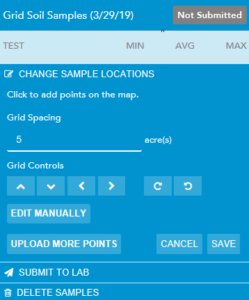 |
| Now the sample points are ready to be taken in the mobile application | 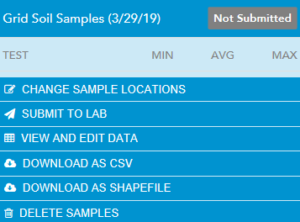 |