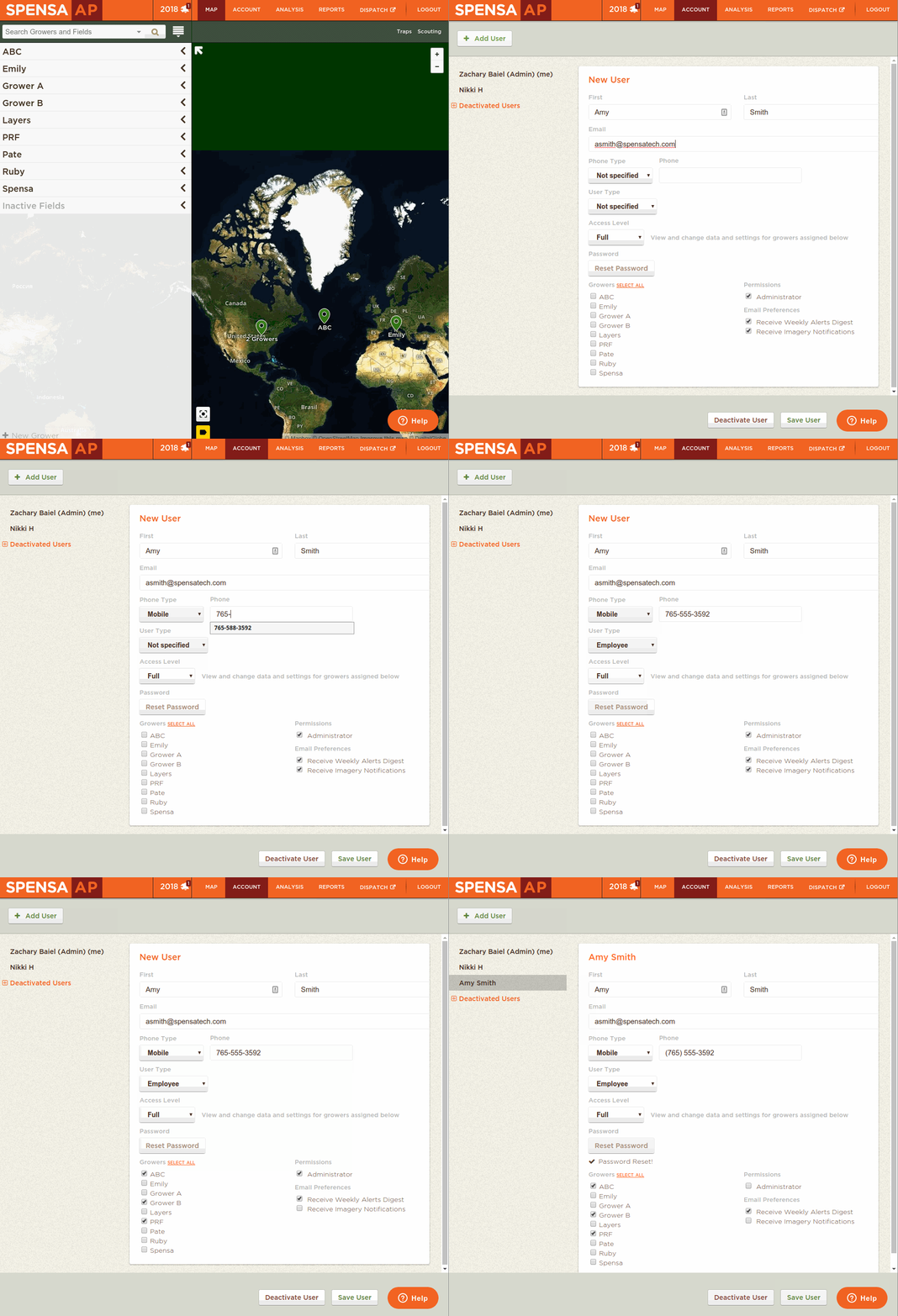
| 1. Click on Account->Users. | 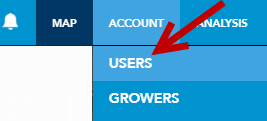 |
| 2. From the Users tab, click the Add User button. | 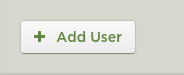 |
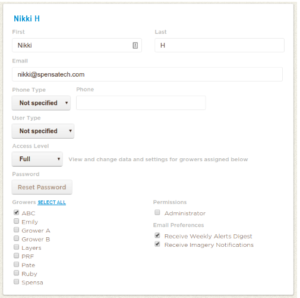
| 3. Fill out the information for your new sub-account (e.g. First Name, Last Name, E-mail address, etc.).
You can also specify the Access Level, grant the user access to specific growers, make them an Administrator, and enable weekly Alerts and imagery notifications. |
 |
| 4. Once you have filled out all of the information, click on the Save User button. |  |
| 5. Once the new user has been saved, click the Reset Password. This will have the DTN AP system send the new user an e-mail with a link to setup their account and create a password. |  |
Animation for How do I setup a new sub-account?