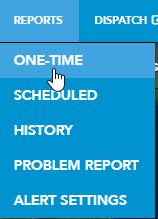
1. Select One Time from the Reports drop-down menu.
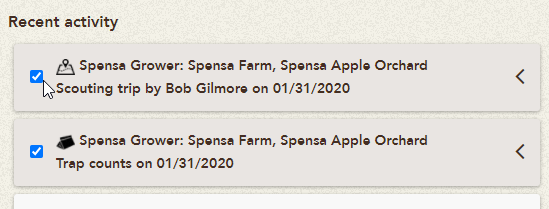
2. Select on the trip you wish to send from the list by clicking the checkbox.
3. Click on Next.
4. Add trip comments and email recipients. You may also choose to include the scouting path and economic impact in the report by selecting the check boxes.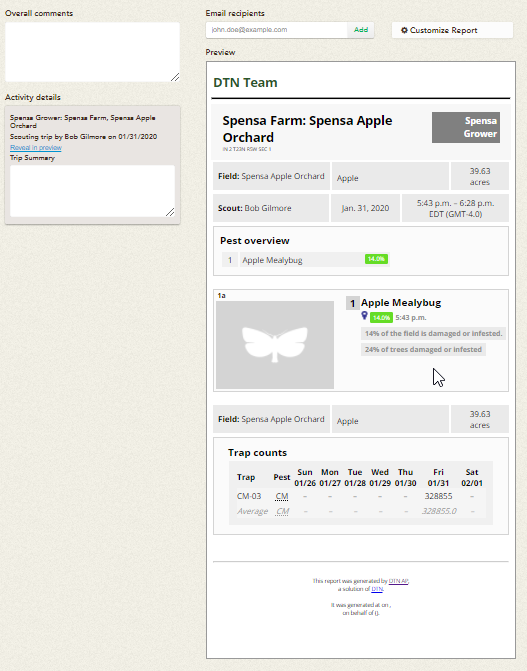
5. Enter an email address in the Email Recipient field and click Add.
6. Review the report, then click Send Report. 
7. Once the trip has been sent, you will be notified that the Report sent successfully.