| 1. Select the Field you wish to edit. | 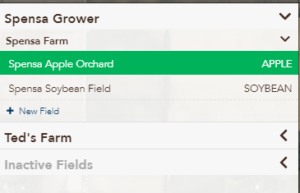 |
| 2. Click the Edit button. | 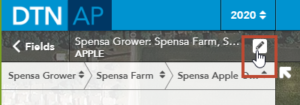 |
| 3. Click the Edit Boundary Outlines button. |  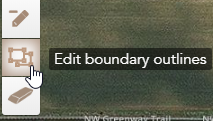 |
| 4. The field boundary will now show points that you can adjust to manipulate its shape. Click the points to drag and drop them to the correct position. | 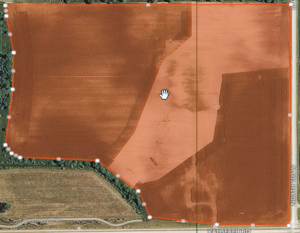 |
| 5. When you are done moving the field boundary to the desired shape, click the Save button. |  |