If you are experiencing data not syncing with our DTN AP servers, you can re-sync your iOS device by following the steps below.
| 1. Click on the Menu button. |  |
| 2. Click on Settings. | 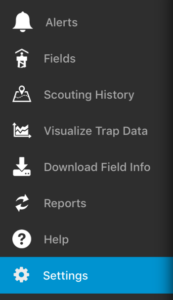 |
| 3. Click Sync All Information. |  |
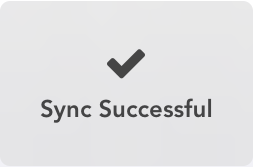
| 4. Wait for the syncing process to complete.
|
 |