You can reassign a trap to another field by dragging and dropping the trap onto the field on the map. To move the trap:
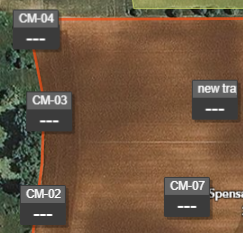
1. Navigate to the field where the trap currently exists.
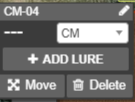
2. Click on the trap to expand and view more details.
3. Click the “Move” button in the trap details.
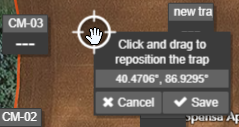
4. Point, click, and drag the location icon that appears to the new field. Press Save.
5. When prompted with the Change Field message, click the radio button next to the correct field. Once selected, click Move Trap.
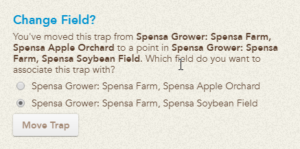
6. The trap will be reassigned to the field chosen.