| 1. Click on Help from the menu | 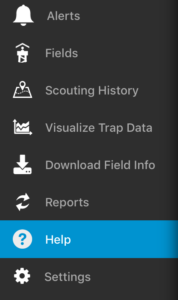 |
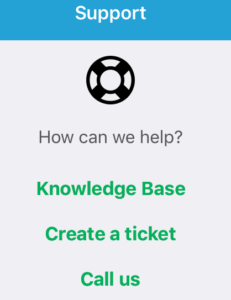
| 2. If you are on a phone, you can click on Call us to call the DTN AP Support team.
3. If you want to submit a helpdesk ticket, click Create a Ticket. |
 |
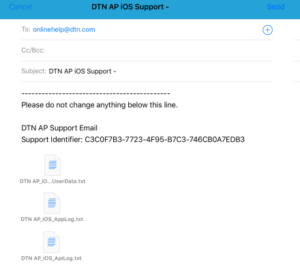
| 4. Enter a description of your question or problem, and then click Send. We will respond to your ticket as soon as possible. Responses will appear in the email address associated with your account.
Note: Screenshots are helpful to the support team when trying to troubleshoot an issue. You can attach a screenshot to the ticket by clicking the Attachment icon.
|
|