| Click Account->Growers | 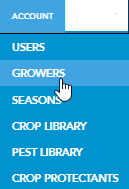 |
| Select the Grower or Fields you want to export | 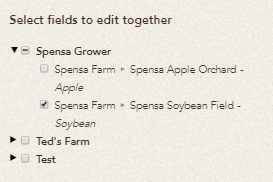 |
| Click the Download Selected Boundaries button | 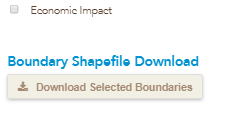 |
| A zip file with your shapefiles will begin to download automatically. |  |
| Click Account->Growers | |
| Select the Grower or Fields you want to export | |
| Click the Download Selected Boundaries button | |
| A zip file with your shapefiles will begin to download automatically. | |