| 1. Click on the Menu button and select Download Field Info. | 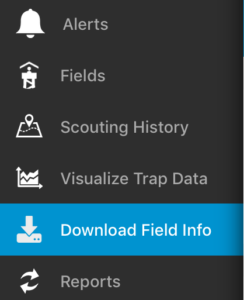 |
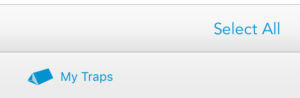
| 2. Click on the My Traps button on the bottom.
3. Click the Select All button on the bottom |
 |
| 4. Click the Download button at the top |  |
| 5. Wait a few moments and all of your traps will download to the iOS device. A timestamp will appear to let you know the last time the traps were downloaded for offline use. | 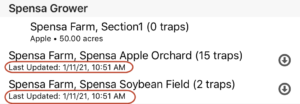 |