Before deploying, make sure your Smart Trap is charged completely and the trap is currently off.
| How do I know if my trap is on or off?
Press the power button for a moment:
To turn off the trap, press and hold the power button for 3-seconds. |
Press and hold the power button for 3-seconds to power on the Smart Trap. The three network LEDs will blink and begin to “chase” each other. The trap is current looking for a cellular signal.
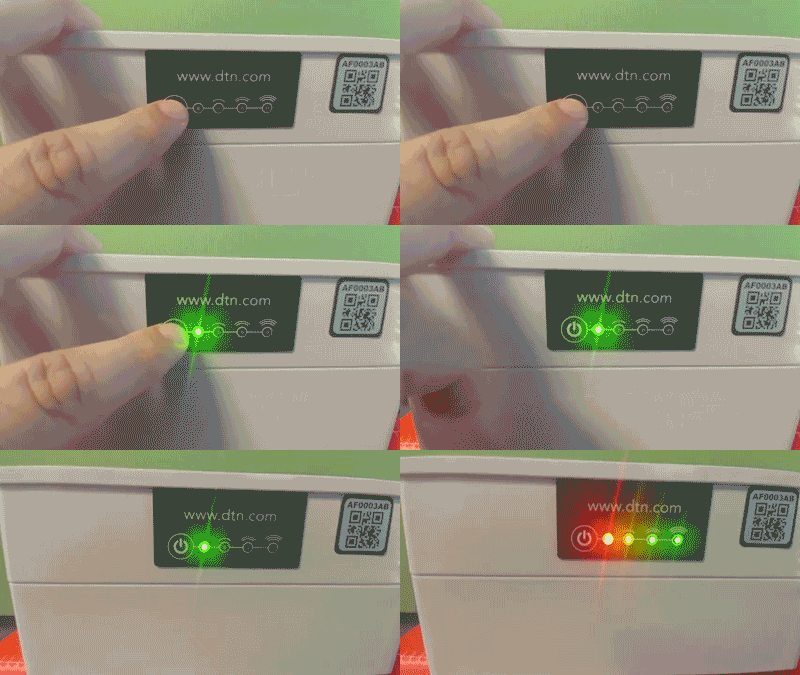
The three network LEDs will blink and begin to chase each other. The trap is current looking for a cellular signal.
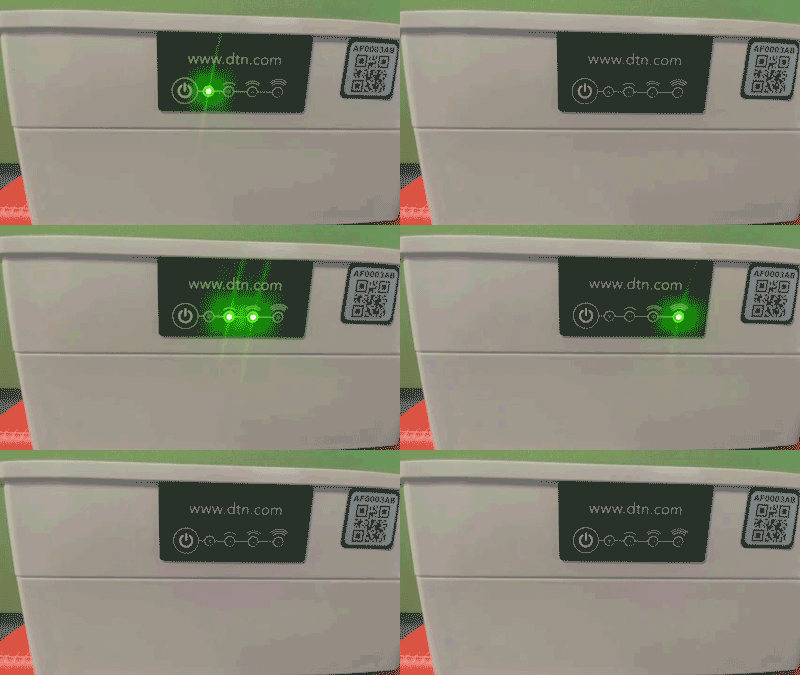
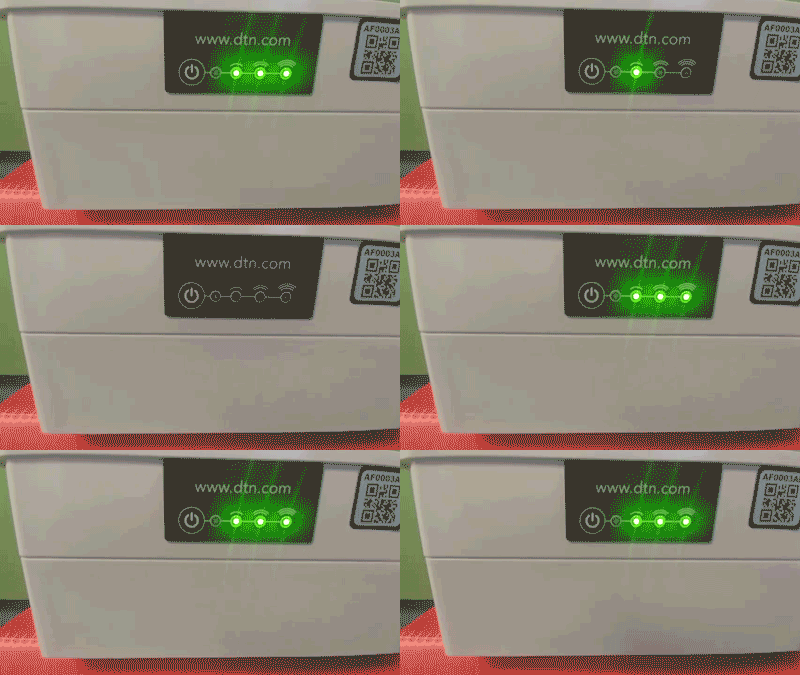
One, two, or three LEDs will light up, indicating the signal strength during the deployment. When the LEDs stop blinking, this means that the trap has connected to DTN’s servers and is working correctly. After this connecting is complete, the LEDs turn off.
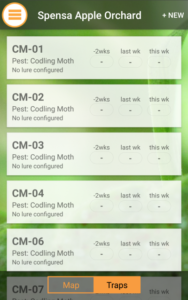
You can confirm the deployment from inside your mobile application by navigating the field the trap is deployed in and seeing it listed under the Trapping section.
If you are unsure if the GPS signal in the area is of good quality, you can manually place the Smart Trap from the web interface.