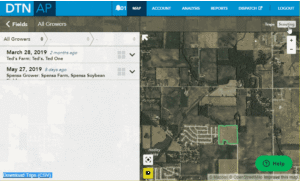
| 1. Click on the Scouting button. | 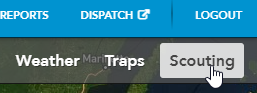 |
| 2. Locate the trip you wish to delete from the list in the sidebar. You can filter by grower, Farm, and Field.
|
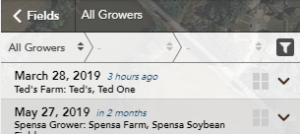 |
| 3. Click on the drop-down arrow to expand the trip and view details. |  |
| 4. Click on the Delete trip button. | 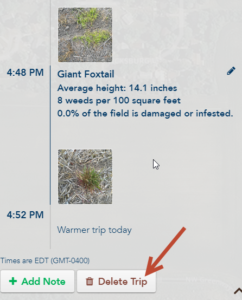 |
| 5. When prompted, if you are sure you wish to delete the selected trip, click Yes. Otherwise, click Cancel. | 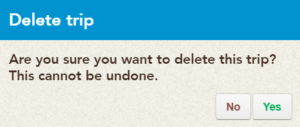 |
Animation of How Do I Delete a Trip?