| Select the Field you would like to create Dispatches on. | 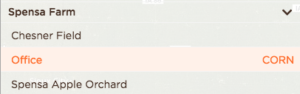 |
| Click on Dispatches. | 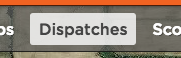 |
| Click on + Add a new dispatch. | 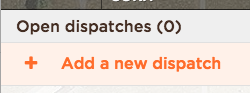 |
| You have several options to choose from while creating a new Precision Dispatch:
|
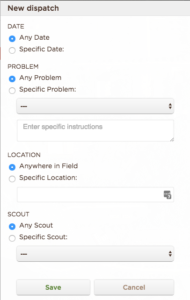 |
| Once all of the data is filled out, click the Save button to record your PD. | 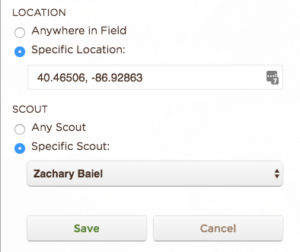 |
| You will see the Precision Dispatches in the sidebar. | 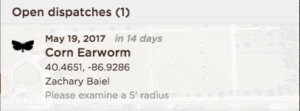 |
Your scouts will need to pull-to-refresh their DTN AP apps to download the latest Precision Dispatches for their account.