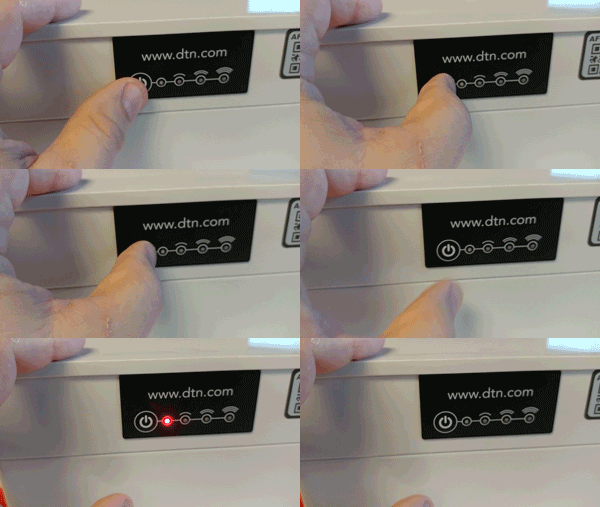
| If you press the power button for 1-second, the power LED will blink red if the unit is off. |
 |
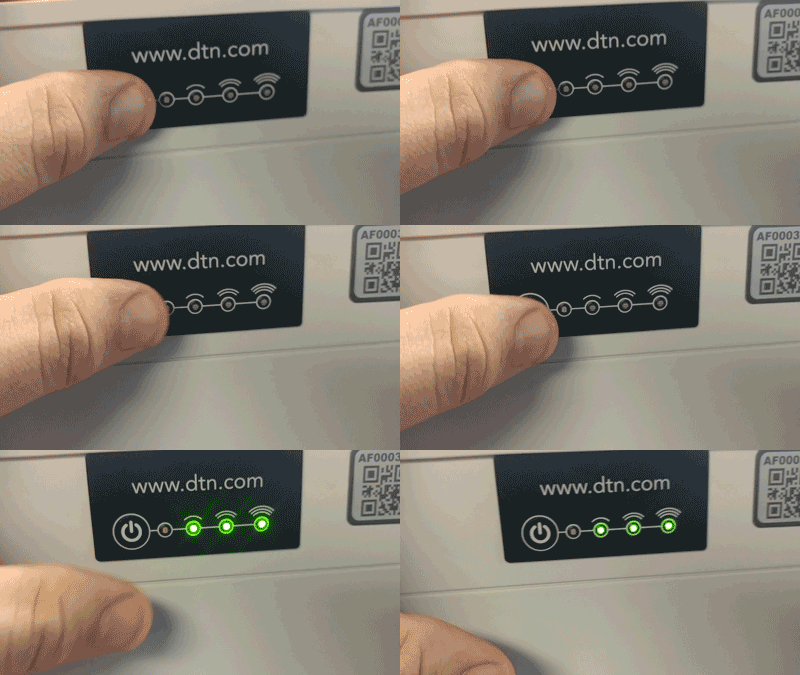
| If you press the power button for 1-second, the LEDs will blink green if the unit is on. |
 |
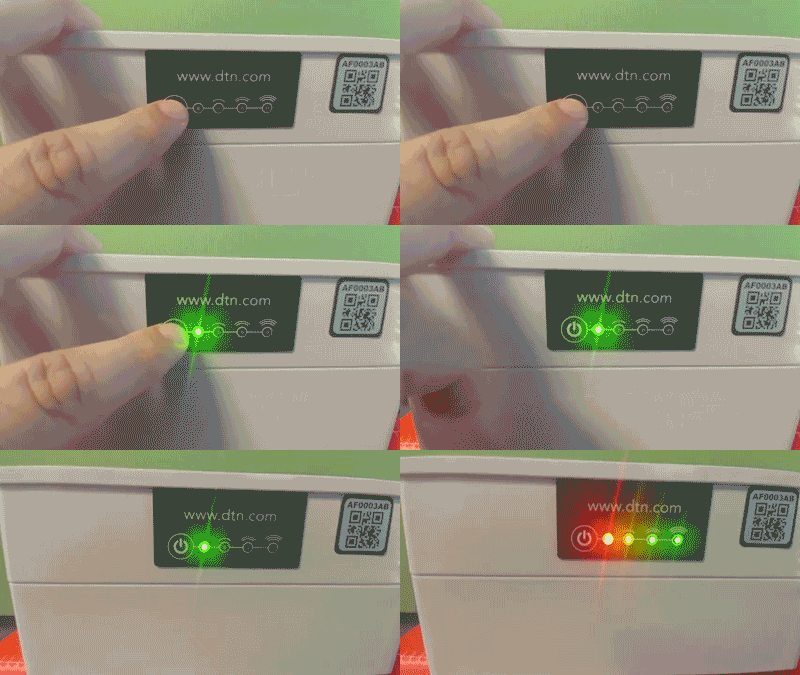
| You can power on the Smart Trap by pressing and holding the power button for 2-seconds. The power LED will turn green. |
 |
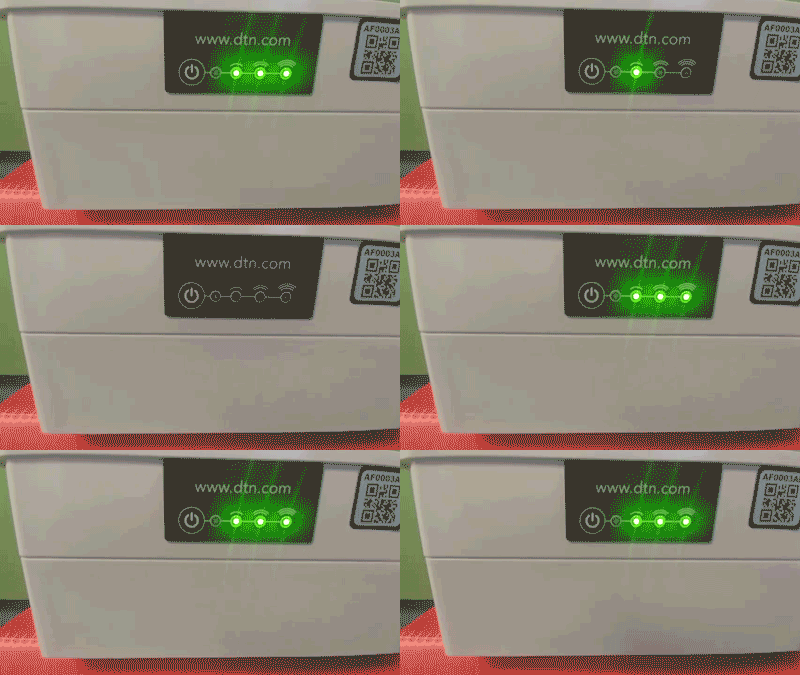
| While the trap is searching for a cellular signal, the three signal LEDs will “chase” each other. |
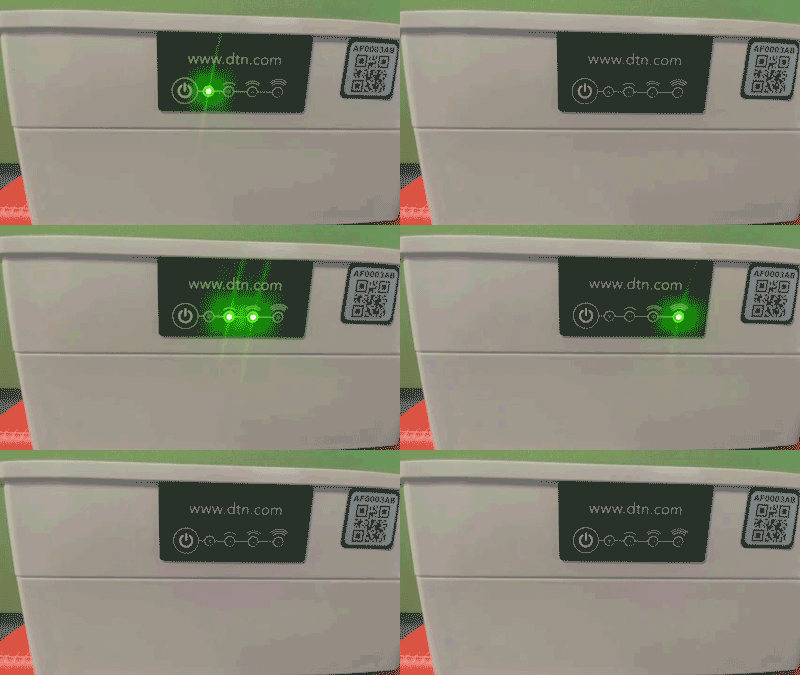 |
| Once trap has established a connection, the signal LEDs will go solid, and then turn off when the communication with our servers is complete. |
 |