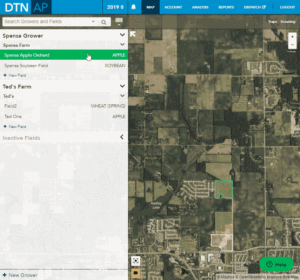
| 1. Select a field from the Grower/Farm/Field sidebar. | 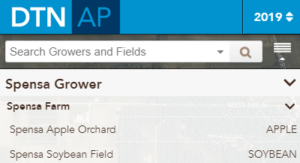 |
| 2. Click the Edit button. | 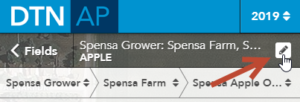 |
| 3. Click the Delete button. | 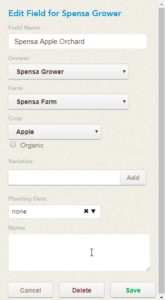 |
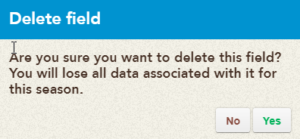
| 4. Select confirm that this is the field you wish to delete for this season.
NOTE: All of the data for this current season will be lost once the field is deleted. |
 |
Animation for How do I deactivate/delete a field for this season?