| 1. Click on the Traps tab from the global view | 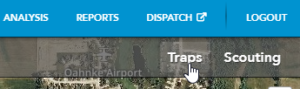 |
| 2. In the sidebar, expand Export | 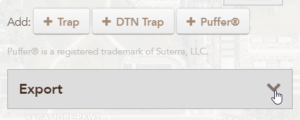 |
| 3. Choose the settings for the type of export you want for your export | 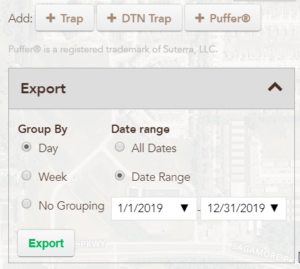 |
| 4. Click Export to download a CSV of your information | 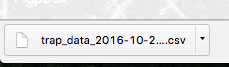 |
| 1. Click on the Traps tab from the global view | |
| 2. In the sidebar, expand Export | |
| 3. Choose the settings for the type of export you want for your export | |
| 4. Click Export to download a CSV of your information | |