| 1. Go to ap.dtn.com. | |
| 2. Click on the Forgot your password? link. | 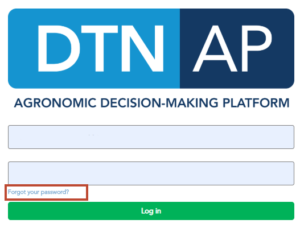 |
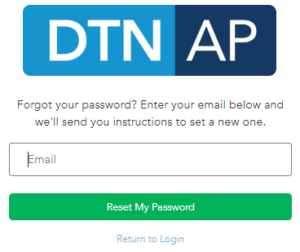
| 3. Fill out the form with your e-mail address.
4. Click the Reset My Password button. |
 |
| 5. Check your Inbox for an e-mail from n[email protected] and click on the URL to reset your password. | 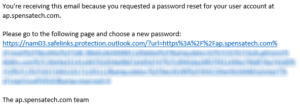 |