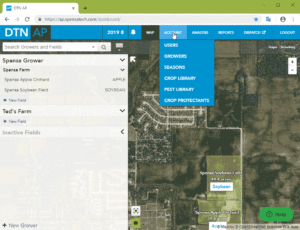
| Click on Account. | 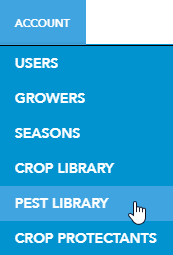 |
| Filter your list to the crop you want to create favorites in.
Each observation now has a star next to the common name of the observation. |
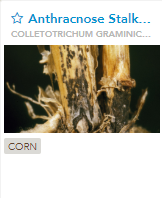 |
| To mark a particular observation as a favorite for this crop, click on the star icon for the item.
|
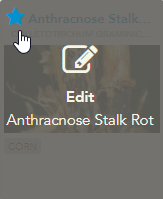 |
| This will immediately move the observation to the top with the other favorite observations. | 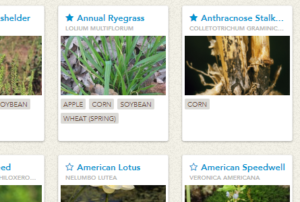 |
Repeat the process to add more observations to your favorites for this crop.