| 1. Click on Account->Users | 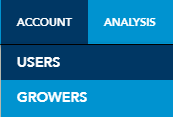 |
| 2. Type in your current password | 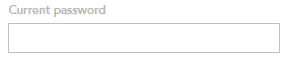 |
| 3. Type in your new password and then type it again in the confirmation box | 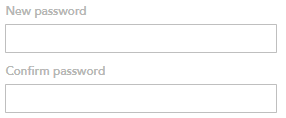 |
| 4. Click the Save User button at the bottom right |  |
Your password has now been updated.
| 1. Click on Account->Users | |
| 2. Type in your current password | |
| 3. Type in your new password and then type it again in the confirmation box | |
| 4. Click the Save User button at the bottom right | |
Your password has now been updated.