In this tutorial, we will walk you through how to manually enter in trap counts from the DTN AP web app.
| 1. Navigate to a field that has the traps you want to manually enter in counts for. | 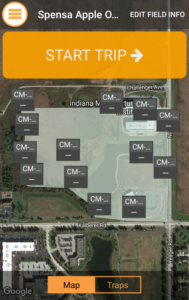 |
| 2. In the left-hand sidebar, select the date you want to enter counts on. | 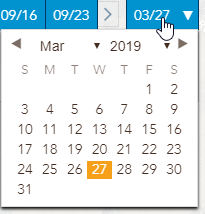 |
| 3. Type in the counts for each trap. | 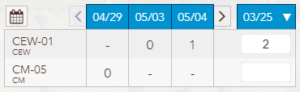 |
| 4. When you are done entering in the information for that day, click the Save button to commit the data. | 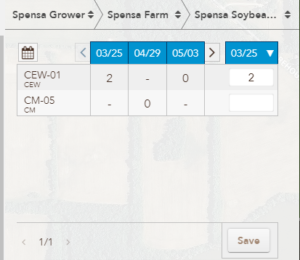 |