| 1. Click on Scouting History from the menu. | 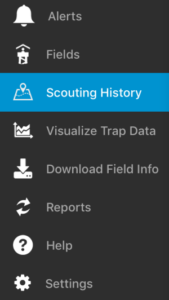 |
| 2. Select the trip you would like to continue. | 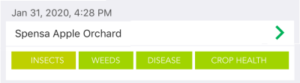 |
| 3. Click the Continue button in the upper-right hand corner of the screen.
4. Continue scouting on the selected trip. |
 |
| 1. Click on Scouting History from the menu. | |
| 2. Select the trip you would like to continue. | |
| 3. Click the Continue button in the upper-right hand corner of the screen.
4. Continue scouting on the selected trip. |
|