| 1. Click on the Menu Button and select Reports | 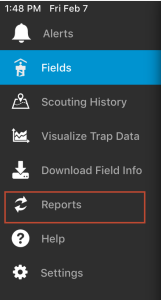 |
| 2. Click on the Report button in the upper right of the screen.
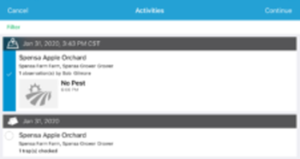
3. Check off the trips (scouting and trapping) you would like to include in your report. 4. Click the Continue button in the upper right (where the Report button was). |
 |
| 5. Type in any Overall Comments and Activity comments you would like to include in the report and then click the Continue button. | 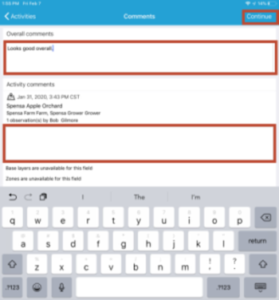 |
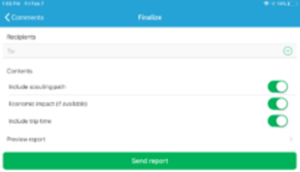
| 6. Add the Recipients you want to send your report to by typing in their e-mail address and then press the Return button on the keyboard.
NOTE: You can add several recipients to a report. |
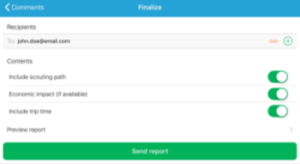 |
| 7. Toggle the Include scouting path and Economic impact (if available) options to their desired settings.
8. Click the Preview report button to double-check and make sure the report is setup as expected. 9. Click Send report. |
 |
| 10. The app will report if the trip is sent successfully. |  |